


In brief
Protect your web application from the OWASP Top 10 and beyond. A practical security checklist for Laravel, PHP and JavaScript developers.
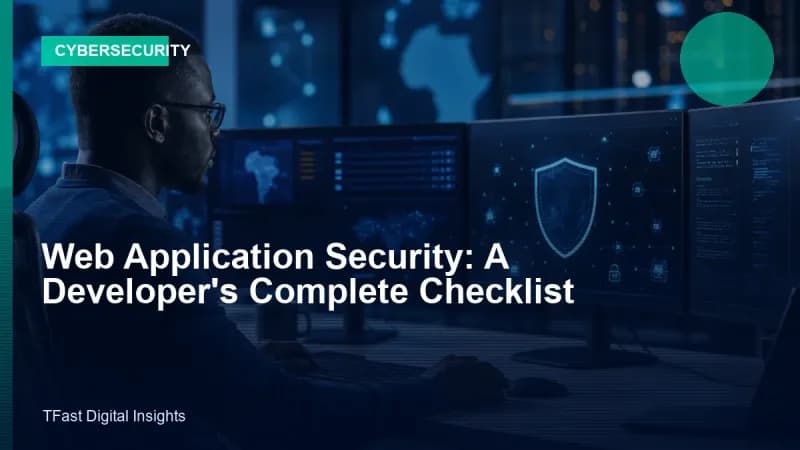
Web application security is not a feature. It is a property of every line of code you write. One SQL injection vulnerability, one exposed API key, one missing access control check, and your entire application is compromised. Here is your checklist.
1. SQL Injection, use parameterised queries, always
Never concatenate user input into SQL. Use Eloquent ORM, query builder bindings or prepared statements:
// SAFE — Eloquent
User::where('email', $request->email)->first();

// SAFE — Query builder binding
DB::select('SELECT * FROM users WHERE email = ?', [$request->email]);

// DANGEROUS — Never do this
DB::select("SELECT * FROM users WHERE email = '$request->email'");
2. Cross-Site Scripting (XSS), escape output
Any user-generated content displayed on a page must be escaped. Laravel Blade does this by default with {{ $var }}. React escapes by default in JSX. Do not bypass these protections unless you have a very specific, reviewed reason.
{{-- SAFE — auto-escaped --}}
<p>{{ $user->bio }}</p>

{{-- DANGEROUS — unescaped, only use for trusted HTML --}}
<p>{!! $user->bio !!}</p>
3. Cross-Site Request Forgery (CSRF), protect state-changing requests
Laravel includes CSRF protection automatically for all POST, PUT, PATCH and DELETE requests. Always use @csrf in Blade forms or include the X-CSRF-TOKEN header in JavaScript requests.
4. Authentication & session security
- Hash passwords with bcrypt, never store plain text. Laravel does this by default.
- Set session
http_onlyandsecureflags. Rotate session IDs after login. - Implement rate limiting on login (Laravel has
RateLimiterbuilt in). - Support two-factor authentication for admin accounts (Laravel Fortify makes this easy).
5. Access control, authorise every request
Authentication proves who you are. Authorisation proves you are allowed to do what you are trying to do. Check permissions on every sensitive endpoint:
// Using Laravel Policies
if ($request->user()->cannot('update', $post)) {
    abort(403);
}
Never rely on hiding UI elements, always enforce access control on the server.
6. Secrets management
- Never hard-code API keys, database passwords or encryption keys in source code.
- Use environment variables (
.envfor local, secure vault or platform config for production). - Rotate keys regularly. Revoke compromised keys immediately.
.envfiles should NEVER be committed to version control.
7. HTTPS everywhere
Force HTTPS in production. Set SESSION_SECURE_COOKIE=true. Use HSTS headers. Laravel's TrustProxies middleware handles HTTPS detection behind load balancers.
8. File uploads, validate aggressively
- Limit file types by MIME type AND extension.
- Limit file sizes.
- Store uploads outside the web root or on a separate service (S3, Cloud Storage).
- Never use user-supplied filenames directly, generate random names.
9. Dependencies, keep them updated
Run composer audit and npm audit regularly. Subscribe to security advisories for Laravel, Symfony and any critical packages. A known vulnerability in an unpatched dependency is the easiest way in for an attacker.
10. Logging & monitoring
Log authentication events (logins, failures, password changes). Monitor for unusual patterns: 50 failed logins from one IP, admin actions at 3am, unexpected data exports. Laravel's logging system integrates with external monitoring services.
TFast Digital Agency builds secure web applications following these practices on every project. Security is not a checkbox at the end. It is how we write code from line one.
<!-- SEO keyword optimization: web application security checklist -->Focusing on web application security checklist is essential for modern business success.