
Turn a paper register or a long WhatsApp thread into a clearer workflow. Tell us what you record today and which steps take the most time.

Start with the phones your team already uses. We discuss Android versions, screen sizes, mobile data and offline needs before agreeing the app requirements.
A useful app makes the next action obvious. Demonstrations cover account access, the main task and what customers see when a connection is slow.
Choose the features you need for the first release. Extra integrations, reporting and specialist functions are scoped and quoted separately.
Send a short description of your idea, your preferred launch date and the people who will use it. The team will confirm the next step before work begins.
Understand what your app collects and who can access it. Ask about account permissions, backups, hosting and the ongoing costs before signing off.
Request app demo

Keep customer requests, staff tasks and follow-up in one place. Kintu Apps helps small teams plan practical mobile tools for the way they work in Uganda.
Request app demoSupport starts with a clear report: the device, the screen and the step that did not work. We agree support hours and response arrangements in your proposal.
Send a short description of your idea, your preferred launch date and the people who will use it. The team will confirm the next step before work begins.
Keep customer requests, staff tasks and follow-up in one place. Kintu Apps helps small teams plan practical mobile tools for the way they work in Uganda.
Keep customer requests, staff tasks and follow-up in one place. Kintu Apps helps small teams plan practical mobile tools for the way they work in Uganda.

Choose the features you need for the first release. Extra integrations, reporting and specialist functions are scoped and quoted separately.
Keep customer requests, staff tasks and follow-up in one place. Kintu Apps helps small teams plan practical mobile tools for the way they work in Uganda.
Send a short description of your idea, your preferred launch date and the people who will use it. The team will confirm the next step before work begins.
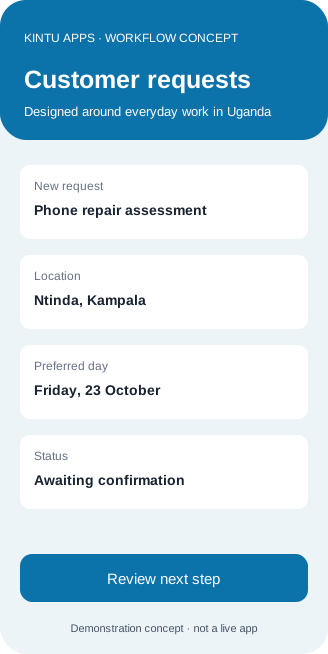
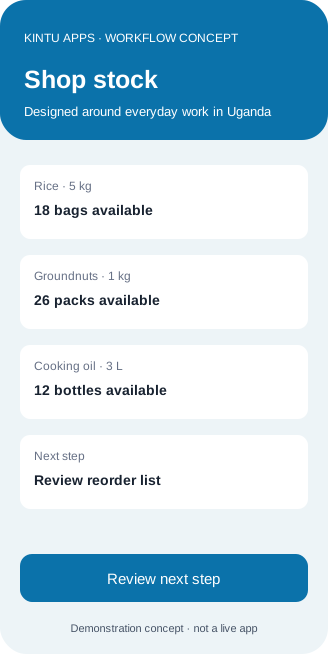
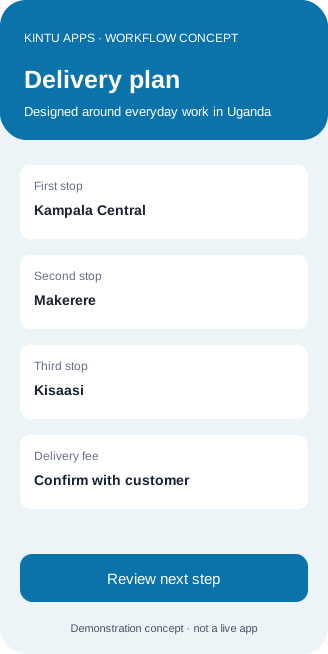

Explore the design and example journeys in this website walkthrough. Contact TFAST to discuss an app demonstration or your own project requirements.
View demo walkthroughA useful app makes the next action obvious. Demonstrations cover account access, the main task and what customers see when a connection is slow.

A shop needs a clearer way to record enquiries and see which customers need a reply.

A repair team wants to record visit requests and confirm the next available assessment.

A community group wants to organise event registrations and keep contact permissions clear.

An office wants to track internal requests without losing them in long message threads.
Ntinda, Kampala, Uganda
Monday–Saturday, 08:00–18:00
Understand what your app collects and who can access it. Ask about account permissions, backups, hosting and the ongoing costs before signing off.





Plan for the way your customers connect: a phone first, clear prices in Uganda shillings and useful screens even on a slower connection. Tell us the task you want to simplify, the devices you use and the support your team needs.